The buyer already knows what they want: a case, cartridge, mount or replacement part for something they own. The product page has persuaded them that the accessory is well made. It has not answered the question that determines whether they can buy it: will this exact version work with their exact model?
A broad “compatible with popular models” claim leaves the difficult part to the customer. They may have a similar model name, a different generation or an extra attachment that changes the fit. Put the compatibility decision close to the purchase action, where the buyer can resolve it before placing an order.
The underlying product information has to support the answer. A confident green check cannot repair an incomplete compatibility record.
Begin with an identifier the buyer can find
Ask for information that maps to the actual compatibility rule. A model name may be enough for one accessory; another may depend on a generation, version or configuration. Explain how the buyer can find the relevant identifier without requiring them to become an expert in the product category.
Baymard’s research on compatibility databases describes the difficulty of asking shoppers to filter by technical specifications they do not know. It discusses translating those requirements into recognizable product models. That is a useful starting point: let the site do the matching work when the business has the necessary data.
Keep similar names distinguishable. If a fictional reader comes in “Page Two” and “Page Two Plus,” a selector that truncates both to “Page Two…” removes the information needed to choose correctly. Show the complete model and any identifying detail that changes the answer.
When buyers commonly enter a family name, let them refine it. An ambiguous search result should lead to a choice of models, not an automatic compatibility approval for the whole family.
Store an answer that includes conditions
Compatibility often needs more than a yes or no. A product can work only with a particular adapter, without an existing case, or with a limited subset of functions. Treat those conditions as part of the answer.
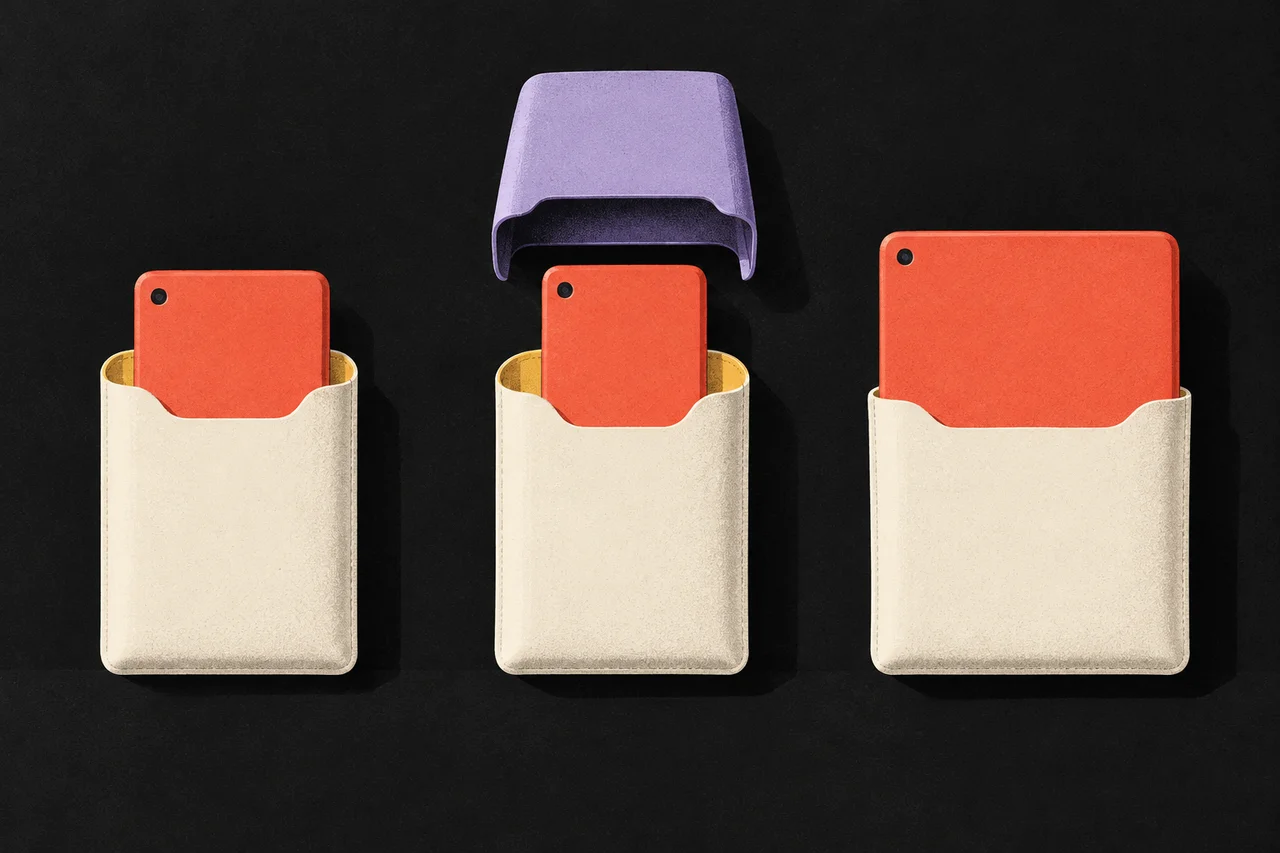
Here is an illustrative record for a fictional protective sleeve. The products and compatibility rules are invented to show the structure.
| Buyer’s model | Supported answer | What the product page says |
|---|---|---|
| Page One | Compatible | Fits Page One |
| Page Two, without its rigid case | Compatible with a condition | Fits Page Two after removing the rigid case |
| Page Two, with the rigid case attached | Incompatible in that configuration | The sleeve does not fit over the rigid case |
| Page Two Plus | Incompatible | Does not fit Page Two Plus |
| An unidentified model | Unknown | We cannot confirm a fit until the model is identified |
The conditional result should not be reduced to “Compatible” in a badge while the qualification sits in a collapsed specification panel. If the buyer must remove something or buy another component, that information changes the decision.
An unknown result deserves its own wording. “We have not confirmed this model” is different from “This will not fit.” The first invites a supported checking process; the second is a product conclusion. Do not turn missing catalog data into certainty in either direction.
Keep required extras visible
If an accessory needs an additional component, show whether that component is included, available separately or something the buyer is expected to own already. These distinctions belong beside the compatibility result.
For a fictional mounting kit, a useful summary might read: “Fits the Frame Three with the short adapter. Adapter sold separately.” The relevant adapter link should identify the exact item. A generic “Shop accessories” destination makes the customer repeat the compatibility research.
If the extra component is offered as an optional add-on, explain why it is needed for the selected configuration. Do not preselect an unrelated upgrade and describe it as required. Equally, do not let the visual hierarchy imply that an essential component is merely a decorative recommendation.
The same review applies to bundles. A product photo can show a complete setup while the box contains only one part. List what is supplied and what is needed to use it as pictured. The buyer should be able to explain the complete purchase before entering checkout.
Design the checker as a small form
A compatibility checker is a form, even if its controls are styled as product tiles. It needs clear labels, instructions and recoverable mistakes.
W3C’s form-instruction guidance recommends identifying expected information and relevant formats. Applied to a model lookup, that means explaining whether the field expects a product name, a model number or something else. A placeholder showing an example can help, but the label should remain understandable after the shopper starts typing.
Give the buyer a way to correct the selected model without losing their place. If a model change alters the result, keep the new selection and its answer together. On a small screen, a result far below the button may be easy to miss.
A failed lookup also needs a useful state. Preserve the entered model, explain that the check could not be completed and provide a retry or assistance route that the business actually supports. Do not leave a previous green result visible after the underlying selection changes.
Carry the result into the order
If the customer chose a variant through the checker, show the resulting accessory variant in the cart. The model they used for the check can be useful supporting context, particularly when two accessory versions have similar names.
Avoid silently changing the selected item when stock runs out. A substitute might look similar while relying on a different compatibility rule. Return the buyer to an explicit choice with the difference explained.
Order confirmation should describe what was purchased, including any required adapter that was actually added. It should not claim that the merchant checked a configuration if the buyer bypassed the checker and selected an item directly.
Provide a way to reach the compatibility information again. Customers may compare the confirmation with the product they own before the order ships. Keeping the selected model and product identifiers understandable makes that review easier.
Give someone responsibility for the answer
A compatibility interface depends on maintained product information. Assign responsibility for adding new models, correcting errors and recording where each supported relationship came from. A content update and a product update should not drift into separate versions of the truth.
For each relationship, the working record should identify the exact products, relevant conditions, supporting manufacturer information or testing, and the date the business last checked it. The public page needs the useful conclusion and qualification; internal sourcing detail should remain available to the team responsible for the claim.
Review recommendations as well as the checker. A related-accessories module can contradict a correct compatibility result if it recommends items using a different set of rules. Inspect the full path from product discovery to the cart rather than approving one isolated widget.
Start the acceptance review with an exact match, a near-identical model name, a conditional match, an incompatible configuration and an unknown model. Ask a shopper to explain the result and any extra purchase needed. If they can only repeat the word “Compatible,” the page may still be hiding the condition that matters.
For the broader purchase decision, use the product-page question guide. Compatibility earns a prominent place because an attractive accessory is of little use when the buyer cannot establish that it belongs in their setup.