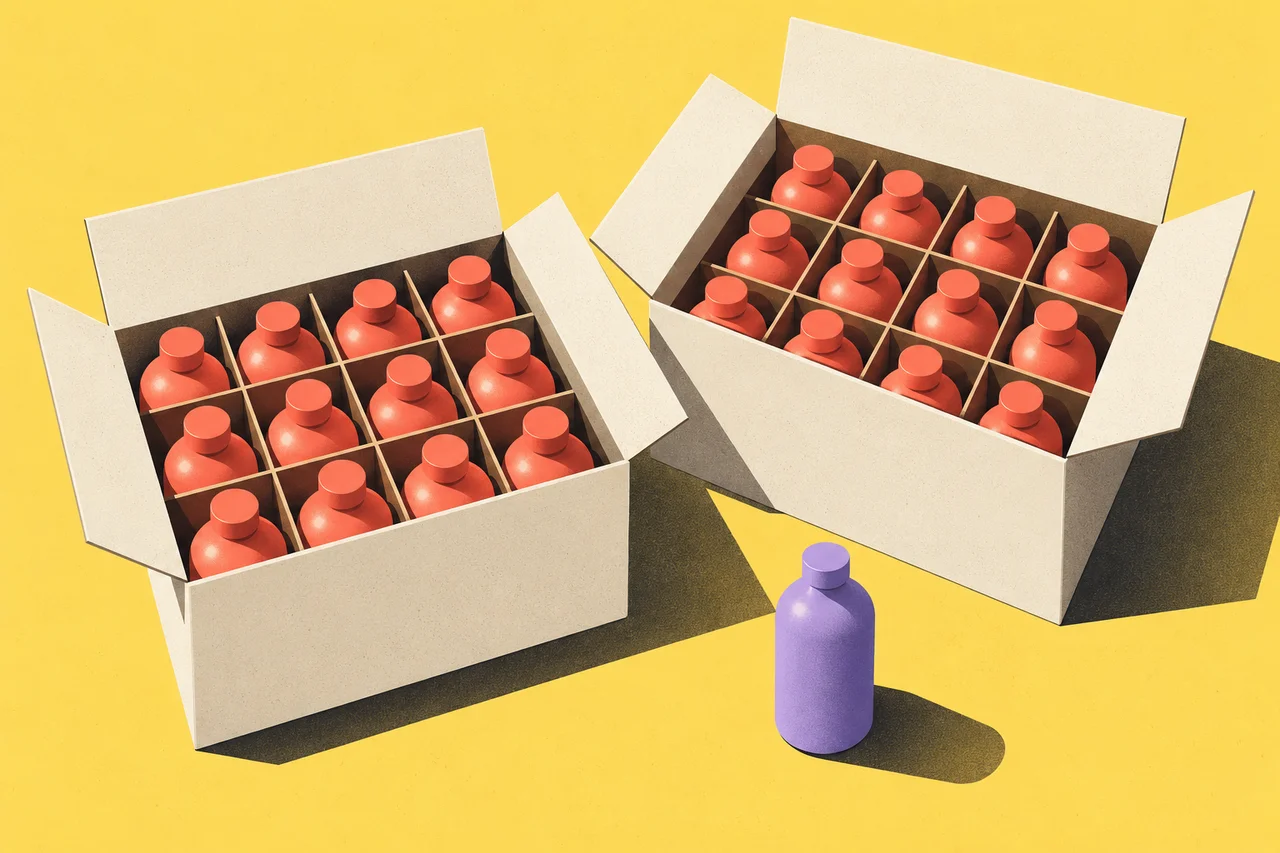
A quantity field marked “1” can mean one bottle, one box or one case of twelve bottles. The price beside it may use a different unit again. When the cart rejects the order, the customer has to solve a small purchasing puzzle before they can buy.
Minimum order quantities become much easier to explain when the page names the thing being counted. Show the sales unit, what it contains, the minimum purchase and any permitted increment together. Keep volume discounts separate: the quantity someone is allowed to order and the quantity that earns a lower price answer different questions.
Shopify’s B2B quantity-rule documentation makes that distinction explicitly. It supports minimums, maximums and increments, while volume pricing provides quantity-based price breaks. Its rules apply to variants, so quantities of different variants do not automatically pool to satisfy a minimum or increment.
Choose a unit for the quantity control
Consider a fictional wholesale store selling refill bottles. One case contains twelve bottles. The store requires at least two cases of a single fragrance, sells only whole cases and allows at most ten cases of that fragrance in one order. The illustrative price is $36 per case, before shipping and tax.
There are two reasonable ways to build the quantity control, but they need different labels.
A case-based control can read “Cases” with an initial value of two. Supporting text says “12 bottles per case. Minimum 2 cases; order in whole cases.” The adjacent purchase summary reads “2 cases · 24 bottles · $72.”
A bottle-based control can read “Bottles” with an initial value of twenty-four. Its supporting text says “Packed in cases of 12. Minimum 24 bottles; order in multiples of 12.” The same purchase summary still explains that the buyer is receiving two cases.
Do not mix the case-based input with a bottle-based error message. A person who enters three cases should not be told to “Choose a multiple of 12.” Three cases are a valid order in this example. The hidden inventory unit cannot be allowed to rewrite the meaning of the visible control.
Show valid quantities before rejecting invalid ones
For the fictional bottle-based control, the rule is: quantity must be a whole-number multiple of twelve, at least twenty-four and no more than one hundred twenty. The following examples use that rule and the illustrative $36 case price.
| Bottles entered | Cases represented | Accepted? | Explanation |
|---|---|---|---|
| 12 | 1 | No | Below the two-case minimum |
| 24 | 2 | Yes | Minimum valid order; $72 |
| 30 | 2.5 | No | Not a whole number of cases |
| 36 | 3 | Yes | Three cases; $108 |
| 120 | 10 | Yes | Maximum valid order; $360 |
| 132 | 11 | No | Above the ten-case maximum |
These are calculated examples, not a recommendation for a particular wholesale policy. Their purpose is to reveal the questions the interface must answer. A minimum of twenty-four alone does not explain why thirty is rejected. An increment of twelve alone does not explain why twelve is too few.
Put the rule close to the control before the first attempt. Buyers should not need to open a terms page to learn the unit they are ordering in. For repeat purchases, the same rule should be visible in quick-order forms and cart editing, where the product page may never be visited.
Offer a correction without changing the order silently
For an entry of thirty bottles, a useful message is: “This fragrance comes in cases of 12. Choose 24 bottles (2 cases) or 36 bottles (3 cases).” The customer can select the amount that fits their need.
Automatically rounding up would change both quantity and spend. In the fictional example, choosing thirty-six commits the buyer to three cases and $108. Show that result before the add-to-cart action completes. A convenience feature should not quietly become permission to purchase more stock.
The GOV.UK error-message guidance recommends explaining the problem and how to fix it. Applied here, “Invalid quantity” is incomplete because it names neither the rule nor the correction. “Minimum order: 2 cases” is better when the customer has entered one case. It is the wrong message for an order that exceeds the maximum.
When the entered quantity breaks more than one rule, prioritize a useful correction. An entry of seven bottles is below the minimum and outside the pack increment. “Choose at least 24 bottles, packed in cases of 12” addresses both without making the buyer pass through two successive errors.
Explain whether variants can be combined
A shop may sell the same bottle in several fragrances, but that does not establish whether the minimum applies across the whole product family. State the actual arrangement.
In the fictional store, the minimum applies separately to each fragrance. One case of lavender and one case of citrus do not satisfy the two-case minimum for either fragrance. If the store also sells an assorted case, give that offer its own description of contents and ordering rules.
Avoid borrowing assumptions from the visual layout. Placing several colors or sizes under one product title can suggest that they share a purchasing rule. If they do not, the page should identify the affected variant when explaining the minimum. Shopify’s variant-level behavior is one concrete example; another ordering system may use different rules.
For a sales-assisted exception, explain how to request it without implying approval. “Ask about mixed cases” can lead to an enquiry. It should not add an unsupported mixed-case configuration to a payable cart.
Keep price breaks out of eligibility messages
Suppose the store later offers a lower case price above a certain order size. Show the current price and the optional price-break threshold as distinct information. The fact that an order does not earn a discount does not make it invalid.
A quantity selector should continue to accept all permitted quantities. Its purchase summary should update the applicable case price, bottle total and merchandise total together. The buyer needs to see the commitment that follows from increasing the order, especially when the headline uses an attractive price available only at a higher quantity.
This is also a reason to avoid an unexplained “from” price. If it appears, identify the quantity required to obtain it. The minimum valid order should have a clearly visible total of its own.
Carry the same meaning into the cart
Review the product page, cart and confirmation using the same sample order. If the product page says two cases but the cart says twenty-four without a unit, the ambiguity has simply moved downstream. The fulfillment team may understand the internal SKU; the customer should not need to.
Test quantity changes after a variant switch, a saved-cart return and a stock update. If only one case remains available while the minimum is two, the interface needs an unavailable or sales-contact route. It cannot offer a valid-looking default that the next step rejects.
Finally, check whether every quantity message names the selected variant and unit. The broader product-page review asks what the customer must figure out alone. For quantity rules, the answer should not include how many physical items arrive, which quantities are permitted or what the resulting order costs.